
Operations model

Operational discipline for IT devices, workplace networks, and project records.

PT TSI helps turn an initial request into scope, site readiness, an execution agenda, equipment records, and clear follow-up.

Working model

Four stages keep the work readable from start to finish.

This model explains how an initial request becomes a defined scope, work agenda, equipment record, and support follow-up.

Request intake

Every engagement starts with a brief that can be read by the work owner and technical parties.

Intake is kept practical: understand the location, devices, connections, timeline, involved parties, and expected result before execution starts.

  • ContextWork area, point count, users, device condition, and site constraints
  • DevicesDesktops, laptops, peripherals, routers, switches, access points, and communication equipment
  • CoordinationClient contact, technical parties, timeline, site access, and work sequence
  • OutputScope note, work agenda, equipment register, issue log, and handover summary

Site readiness

The work site is reviewed as an operating environment, not just a device list.

Room information, access, connectivity, users, and execution timing help device and network work stay organized.

Working environment

Rooms, connections, and devices become one operating view.

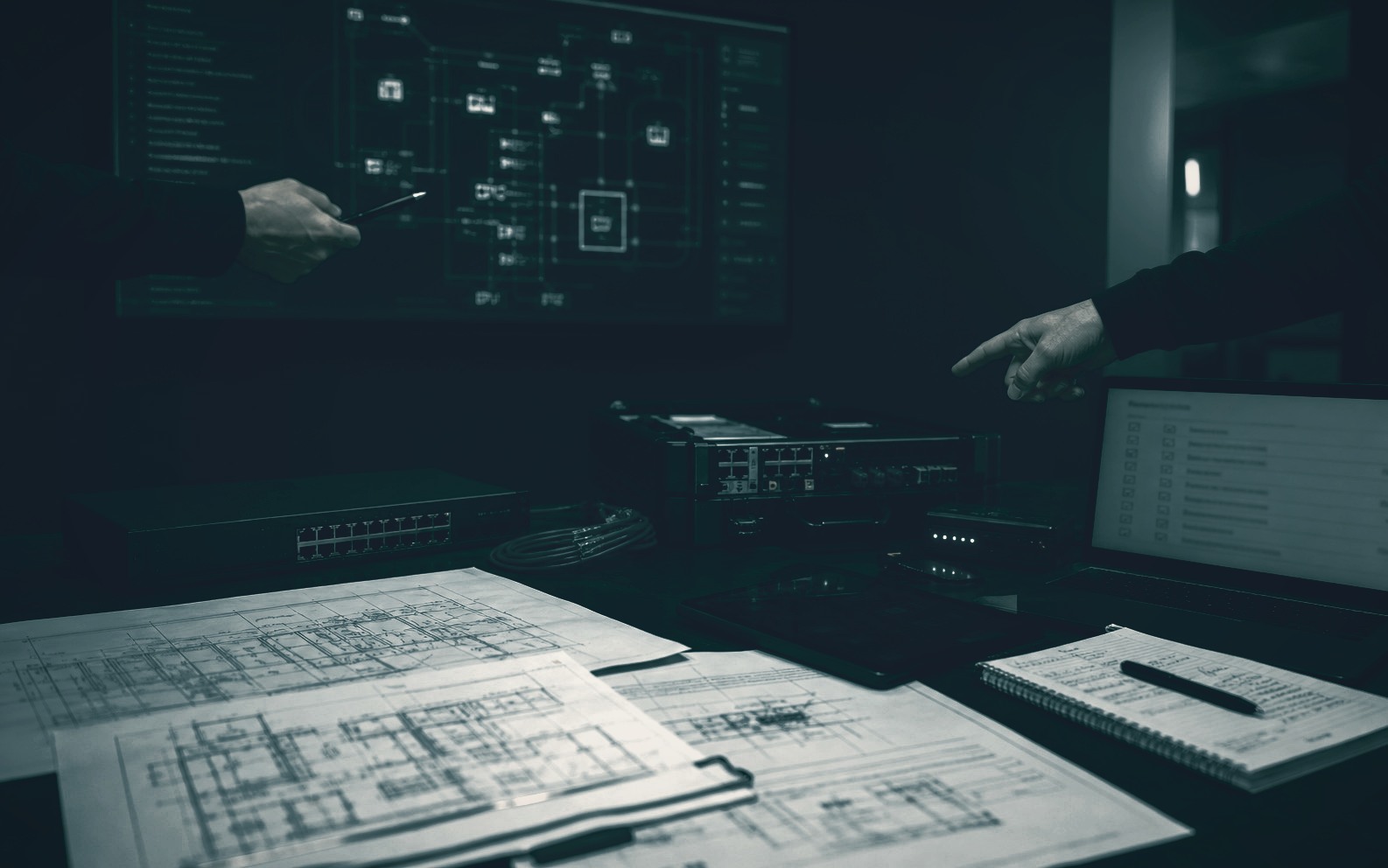
Site notes are more than an equipment list. PT TSI looks at the relationship between room use, users, connection points, timing, and devices that need to be ready.

  • Workstation count, devices, and affected areas.
  • Rooms or functions that should be handled first.
  • Practical conditions that can affect the work agenda.
Site access

Access and field contact

Entry permission, field contact, available timing, and handover contact are made clear before work begins.

Devices

Devices and connections

Endpoints, peripherals, routers, switches, access points, cables, ports, and work-area connections are recorded for execution and follow-up.

Practical constraints

Risks to clarify early

Time limits, room access, technical information, device readiness, and dependency on involved parties are separated from the start.

02

Coordination

The work agenda stays clear through work sequence, status, open issues, decisions, and field changes.

  • Work sequence and responsibility points.
  • Installation, checking, and change status.
  • Issue notes and follow-up actions.
03

Handover

Final output is shaped so the client can understand devices, connections, status, and items that still need attention.

  • Work checklist and final status.
  • Equipment register and connection notes.
  • Issue log and follow-up list.

Operational records

Work documentation is kept light, but clear enough for the next support step.

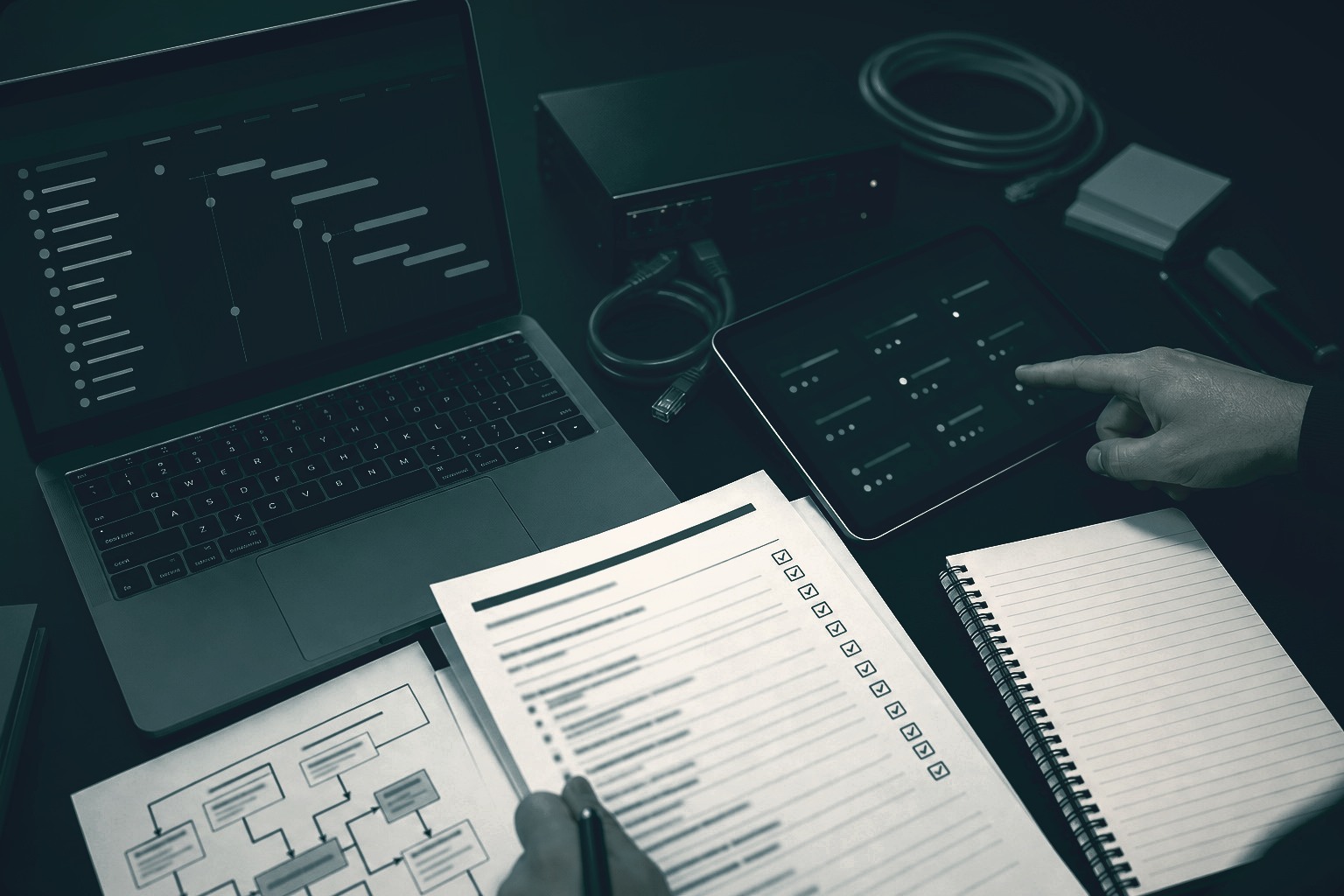
Good records keep device and network work from disappearing into conversations. Relevant information remains available to the next operator, technician, or support contact.

01

Scope note

Objective, location, work scope, involved parties, and work boundary.

02

Device record

Devices, peripherals, usage location, status, and user context.

03

Network note

Connections, ports, access points, cable points, and relevant changes.

04

Follow-up

Open issues, next actions, priority, and related contacts.

When this model fits

It fits IT work involving locations, devices, users, and multiple parties.

This operations model supports work such as new work areas, device refresh, network readiness, move-add-change activity, printer and scanner support, and maintenance follow-up.

Work records, IT equipment, and project coordination